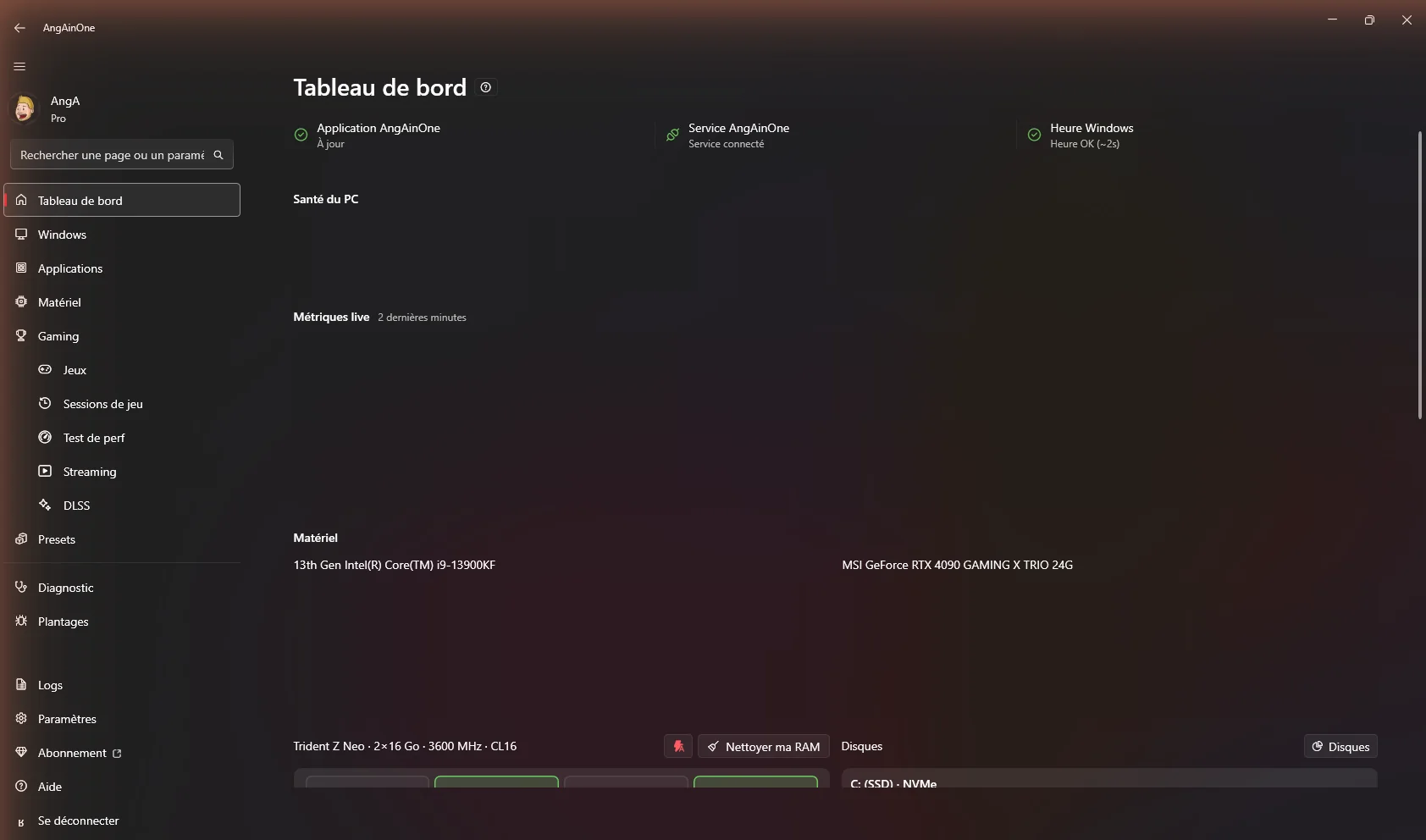
01 · Inside your machine
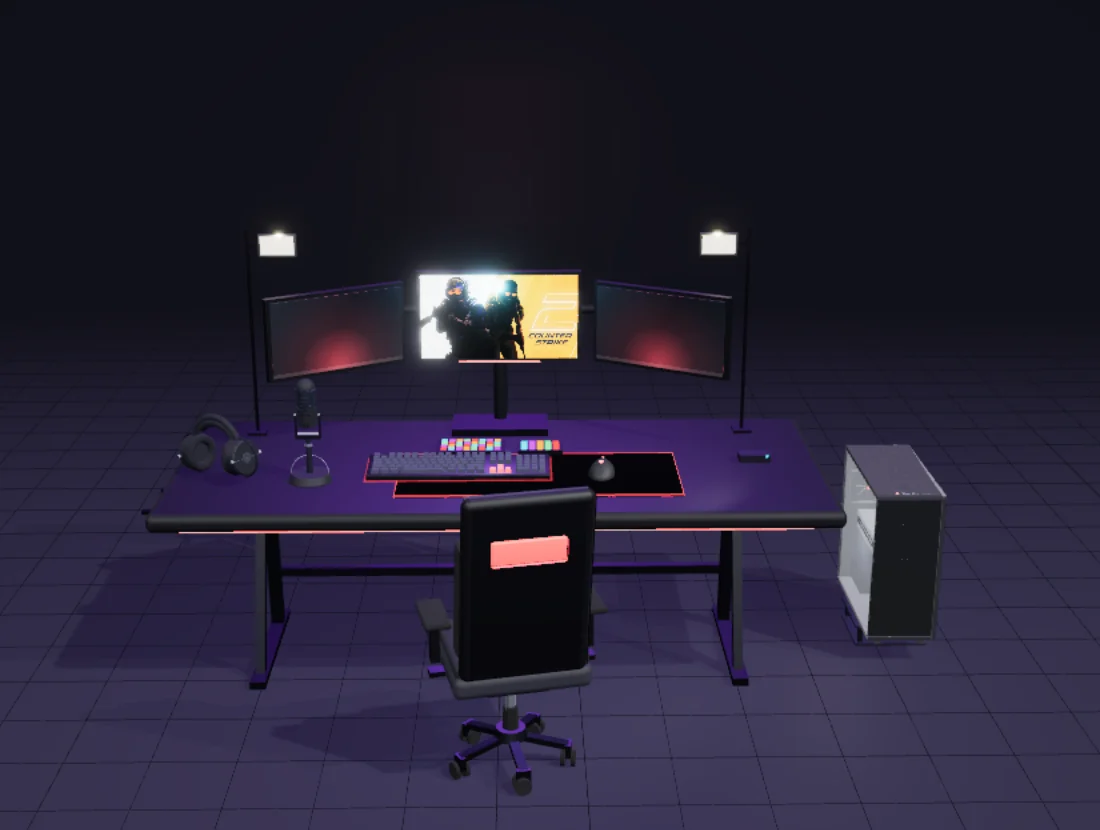
Tune your gaming PC,
from top to bottom.
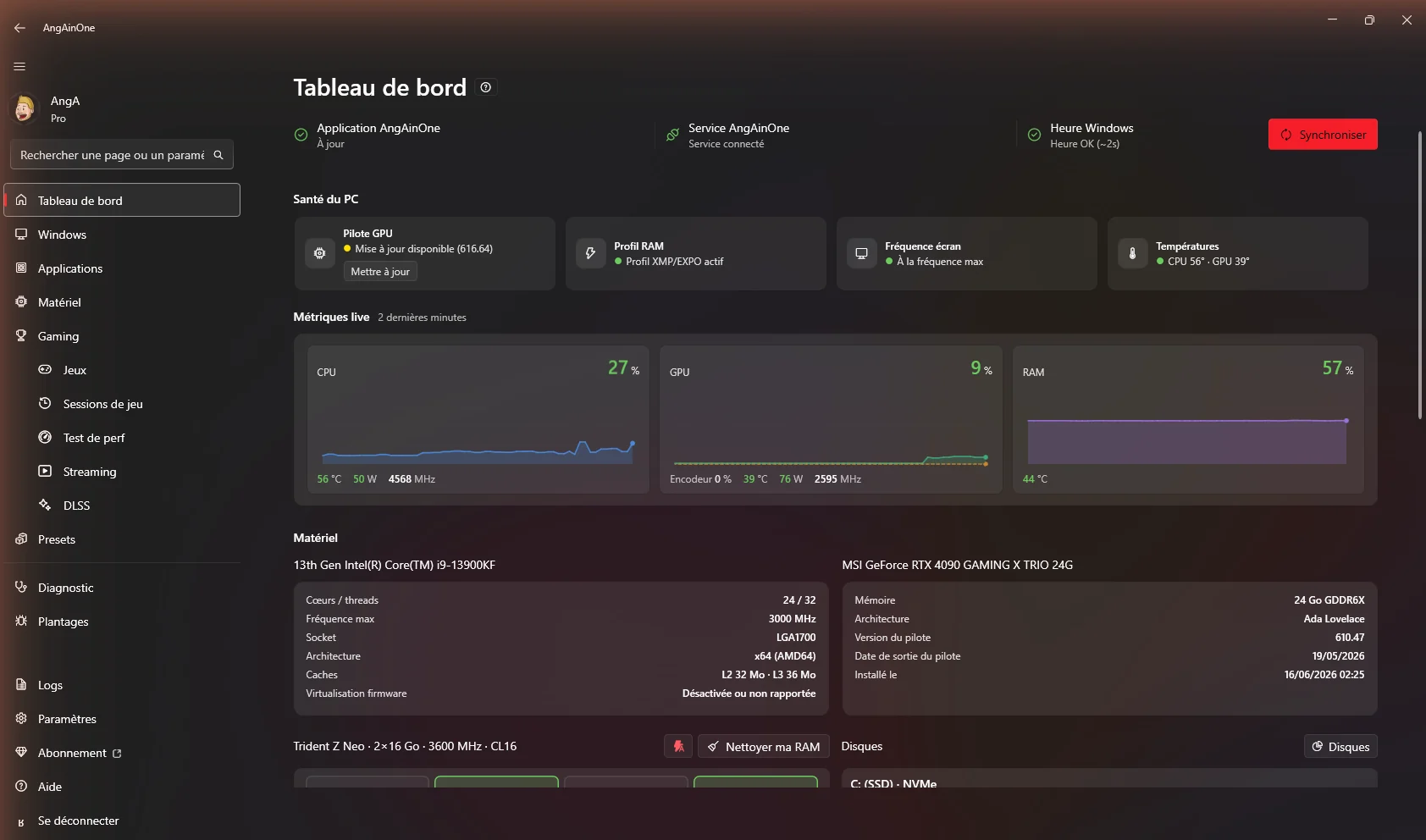
AngAinOne reads exactly what is in your machine — and tunes it part by part. Debloat, drivers, BIOS, monitoring, benchmark.
Closed beta — invitation only. Sign-in is reserved for current testers.
Inside the machine
We go down part by part. For each one: what AngAinOne reads, and what it does with it.
Keep scrolling
01Depth 1 / 7
Processor
The conductor — we watch it and we free it up.
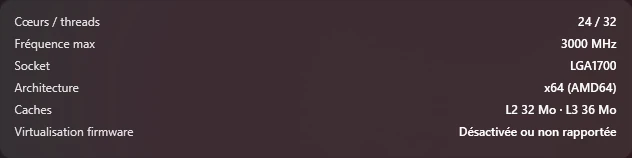
What we read · live
- CPU package
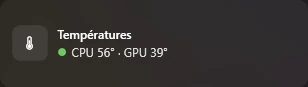
- 42°
- Usage
- 14%
- Clock speed
- 4,200 MHz
- Power
- 38 W
- CPU fan
- 1,050 rpm
What we do with it
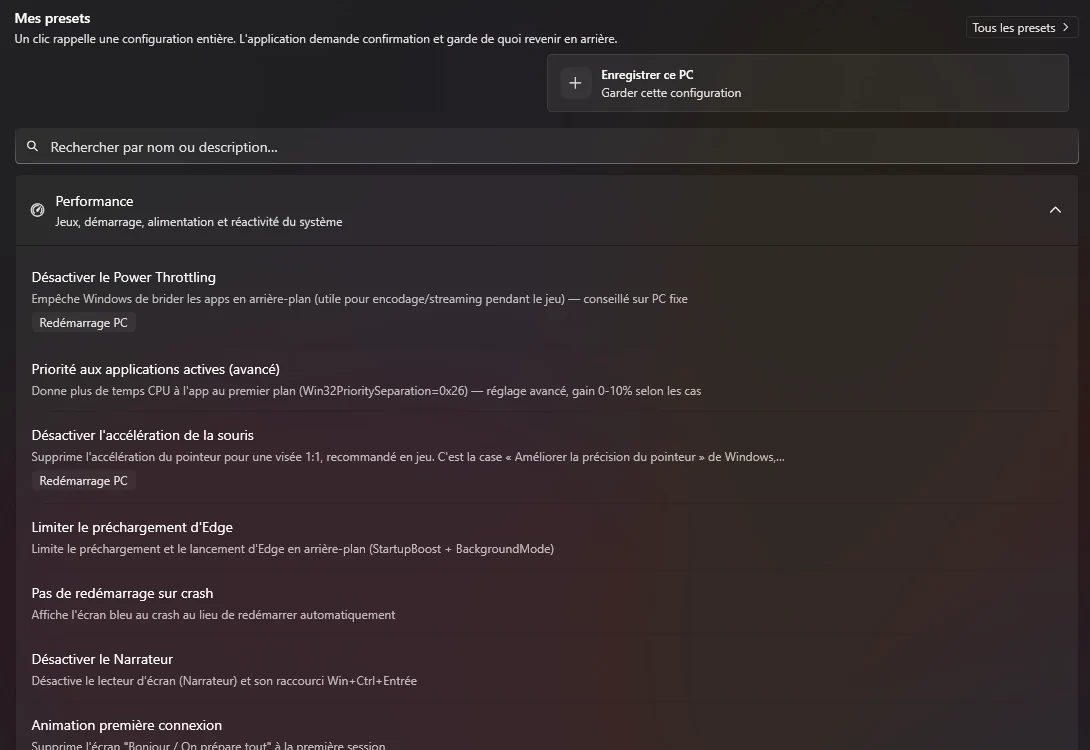
- Useless background services & tasks shut down
- Game mode + GPU priority enabled
- Power plan matched to your processor
02Depth 2 / 7
Graphics card
The FPS engine — right driver, right settings, real gains.
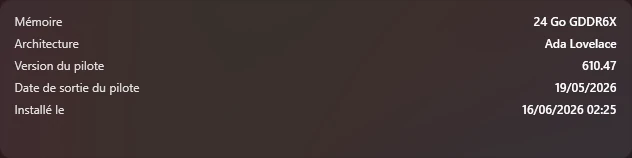
What we read · live
- GPU core
- 48°
- Usage
- 9%
- Power draw
- 32 W
- VRAM
- 12 GB
What we do with it
- GPUWipe cleanup + clean install of the right driver (NVIDIA / AMD / Intel)
- Resizable BAR / SAM + Above 4G (BIOS)
- HAGS, MPO, exclusive fullscreen
03Depth 3 / 7
Motherboard / BIOS
The foundation — we capture, we compare, we recommend.
What we read · live
- VRM
- 46°
- BIOS score
- 82/100
What we do with it
- Backup of your BIOS settings (dated saves)
- Compare saves over time
- XMP/EXPO, ReBAR, PL1/PL2, Curve Optimizer advice…
- Share on your public profile
04Depth 4 / 7
Memory
The workbench — clean, fast, on the right profile.
What we read · live
- Usage
- 38%
- Total
- 32 GB
- Clock speed
- 6,000 MHz
What we do with it
- Lighter startup (SysMain / Superfetch)
- XMP / EXPO profile + clock speed (BIOS)
05Depth 5 / 7
Storage
We make room and we clear out the ghosts.
What we read · live
- Capacity
- 2 TB
- Used
- 61%
What we do with it
- Temporary file cleanup
- Ghost device removal
- NTFS Last Access / long paths
Drive temperature is not reported (yet) — so we do not show it.
06Depth 6 / 7
Network
Measured latency, faster name resolution.
What we read · live
- Link
- 1 Gb/s
- Latency
- 6 ms
- Throughput
- 942 Mb/s
What we do with it
- Fast DNS (Cloudflare, Quad9…)
- Built-in speed test
- Clean install of network devices
07Depth 7 / 7
Power supply & fans
Power and airflow — under control, with alerts.
What we read · live
- Total power
- 96 W
- GPU fan
- 0 rpm
What we do with it
- Real-time monitoring (W, RPM, °C)
- Automatic fan curve
- Thermal alerts & freezes
100% local scan
We can already see things about your machine.
Just from your browser, with nothing installed. But the web only sees a fraction — not your exact CPU, your real memory, your BIOS, your temperatures or your fans.
The app reads all the rest — live. That is the whole point.
Nothing sent · nothing stored
› closed beta — leave your email, we will tell you when it opens
02 · What AngAinOne does with it
Everypart,tunedtothemillimetre.Withoutevertinkering.
Beyond the engine
Reading the hardware is the start. Here is what you do with it next.
Watch
All your hardware, in real time.
Temperatures, usage, clock speeds — read natively, never guessed.
- Power at the wallW
- FansRPM
- Network latencyms
42°
CPU · 14%
48°
GPU · 9%
38%
RAM · 12.1 GB
Tweak
Ready-made settings, in one click.
Debloat, services, programs — applied in one batch, always reversible.
- Debloat · reinstall blocked
- Nothing applied without your go-ahead
- Every setting reversible1 click
- Debloat preinstalled apps
- Game mode & GPU priority
- Power plan matched to the CPU
- Useless services disabled
- Privacy & telemetry
Clean the drivers
Start over on a clean driver.
GPUWipe erases what old drivers left behind, then installs the right one — silently.
- GPUWipe cleanupzero leftovers
- NVIDIA · AMD · Intelauto
- Restore point first
- 01Right driver detectedNVIDIA · AMD · Intel
- 02Slimmed packageextra components excluded
- 03GPUWipe — zero leftoversrestore point created first
- 04Silent install, verifiedversion checked afterwards
Analyse your sessions
Every match, measured.
FPS, 1% low, freezes — captured while you play. Plus a verdict: CPU or GPU.
- Average FPS · 1% low · 0.1% low
- Freezes counted, with their duration
- VerdictCPU / GPU-bound
144
Average FPS
98
1% low
3
Freezes
Measure
Measure your machine, track your gains.
The built-in benchmark measures memory, processor and storage — and keeps every score dated.
- Built-in benchmarkmemory · CPU · storage
- Measured from the app, never typed in by hand
- Dated history
Tune the BIOS
Capture and compare your BIOS settings.
Dated cloud backups, unlimited on Pro, comparable over time.
- 5 backups on Free, unlimited on Pro
- XMP / EXPO advice
- ReBAR · PL1 / PL2
- 01June 14, 2026XMP on
- 02June 2, 2026ReBAR on
- 03May 19, 2026Factory baseline
- 04—Free
- 05—Free
Tune per game
The right profile for every game.
Your games detected across every launcher — boosted, DLSS up to date, presets shared.
- Boost this game1 click
- DLSS up to date, game by gameDLL
- Community presets & NVIDIA .nip
- Competitive FPScommunity presetImport
- Open worldDLSS DLL detectedUpgrade
- Simulationyour presetExport
Stream
Ready to stream.
OBS overlays, plugins and backups — restorable on any machine.
- OBS plugins & templates
- OBS cloud backup
- Restore across machines
The full workshop
And everyday upkeep, in the same app.
What you open the rest of the time: repair, clean up, install properly, set up your displays, your sound and your drives — without hunting down six other tools.
So far, everything happened on your machine. Let us see what other people do with it.
03 · Nobody tunes alone
Tuning together is faster.
Compare your setup with similar machines, import a preset that works, put your machine on a shareable public profile. It all stays opt-in — nothing goes public without your say-so.
Public profile
Your /your-handle URL gathers your in-game settings, your BIOS and your GPU profiles. One link to share.
Shared presets
Import another player's preset, or export yours. Replicate a setup that works.
Comparison
Two setups side by side — the differences that actually matter, not noise.
- GPUsame cardsame card
- CPUsame processorsame processor
- XMP / EXPOoffon
- GPU driverleftovers from old driversclean install
- Power planwhatever was setmatched to the CPU
- Windowssame versionsame version
Same parts, 3 settings apart — the import applies the software settings and walks you through the BIOS and the driver.
Before the demo, let us settle the question everyone asks.
04 · What it costs
TuningyourPCisfree.Forever.
Pricing
What the paid plans add — and what they never touch.
Advanced BIOS, up to 4 slots, cloud backups, streaming stack: paid plans add features around the engine. The tuning itself is never carved up — the Free tier ships all of it.
Free
€0
Not a demo. Full tuning, with no time limit.
- 1 slot
- Apply Windows tweaks
- Remove preinstalled apps
- Run diagnostics
- Measure game sessions
- Public profile for your setup
Pro
RecommendedSubscription
More features — not more tuning.
- 3 slots
- Control remotely
- Watch your PC live from the website
- Health alerts
- History and comparison over time
- The full report
Streamer
SubscriptionEverything in Pro + the streaming stack.
- 4 slots
- Everything in Pro included
- OBS plugin catalog
- Scene packs
- OBS backup in the cloud
- Restore on another PC
- Link Twitch and Kick
Enterprise
On requestTeams, fleets, LAN parties.
- Custom fleet (negotiated)
- Everything in Streamer included
- Business invoicing (on request)
- Dedicated onboarding
- Public profile turned off (the fleet stays private)
- Multiple accounts for a team
- Opening and closing playbooks
- Priority support
Here is what a tuned session looks like.
05· What it looks like
The curve of a session settling down.
Five AngAinOne actions — the FPS climb, the dips fill in.
1% low
115→196 fps
average fps
205→234 fps
freezes
40→2
The session, action by action
- 01Debloat Windows+ fps · smootherBackground noise, shut down at the source.
- 02Power plan+ fpsThe plan matched to your processor, not the most aggressive one.
- 03Clean GPU driver+ fpsReinstalled with no leftovers, via GPUWipe.
- 04Network tunedlatencyLatency down, fewer spikes.
- 05Game firstfills the dipsYour game goes ahead of everything else.
You have seen it all. The last move is yours.
Hit power — save your spot.
Downloads are not open yet. Leave your email — we will tell you the moment they are.
Already a tester? Sign in